When WordPress Maintenance Gets Riskier as Marketing Grows
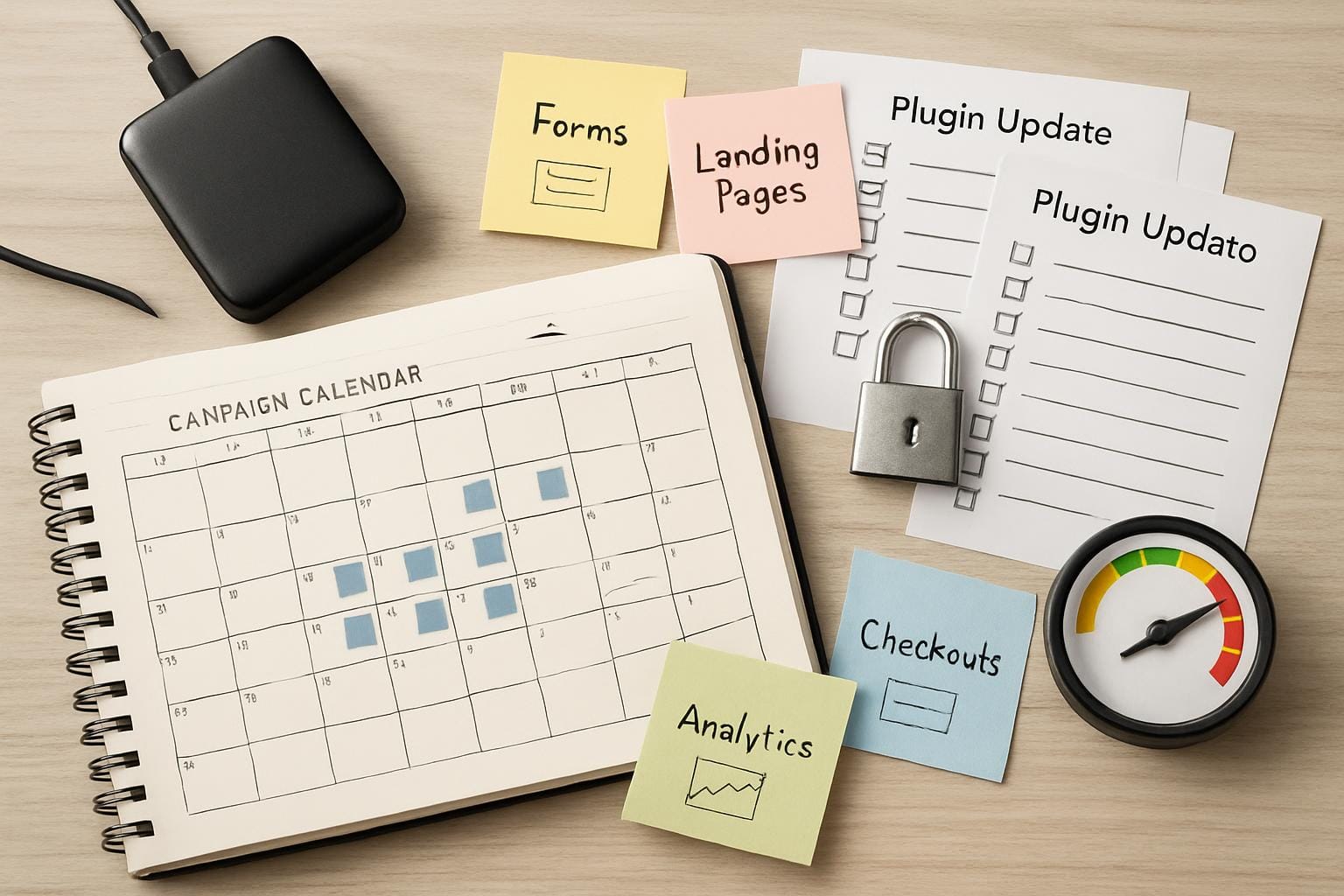
Marketing growth is good news, but it often makes a WordPress site more complicated before anyone notices. More landing pages, tracking scripts, forms, plugins, redirects, popups, edits, and campaign deadlines all add moving parts. WordPress website maintenance gets riskier when the website changes faster than the team’s process for reviewing, updating, backing up, and monitoring it.
WPAssist, a Canadian WordPress management service, often sees risk build quietly when marketing teams are doing the right things for growth but have not clearly assigned ownership for the technical side. The issue is rarely one update or one plugin. It is the pileup of small changes that nobody is tracking as a system.
A site that once worked as a simple online brochure may eventually become a campaign hub. It may support paid ads, lead generation, email campaigns, ecommerce, appointment bookings, SEO landing pages, and client-facing resources. At that point, WordPress maintenance is no longer just about keeping software updated. It becomes part of protecting revenue, leads, customer trust, and marketing performance.
Quick Answer
WordPress maintenance becomes riskier as marketing grows because each campaign can add new pages, forms, plugins, tracking tools, scripts, redirects, and content edits. To reduce risk, teams should formalize who approves changes, how updates are tested, when backups are checked, how forms and checkouts are monitored, and what rollback plan exists if something breaks.
Key Takeaways
- Marketing activity increases WordPress maintenance risk by adding more frequent changes and dependencies.
- Forms, checkouts, tracking scripts, page builders, redirects, and plugins need extra review as campaigns expand.
- A clear workflow for updates, backups, approvals, testing, and rollback planning reduces avoidable disruption.
- External scripts and marketing integrations can affect performance, privacy, security, and conversion tracking.
- Ongoing maintenance matters more when the website directly supports leads, sales, advertising, or regular publishing.
Why Marketing Growth Changes WordPress Risk
A small WordPress site with a handful of pages may be manageable with occasional updates and basic checks. Once the site becomes a campaign hub, the risk profile changes. A new lead magnet may require a form plugin. A paid ad campaign may need a landing page template, conversion tracking, a thank-you page, and a CRM integration. A seasonal promotion may add coupons, banners, redirects, and temporary content.
Each of those pieces may seem reasonable on its own. The risk comes from how they interact. A form plugin update can affect lead delivery. A caching setting can interfere with tracking. A page builder update can change the layout of a campaign page. A new popup tool can slow down the site or conflict with an existing script. A redirect change can break a campaign URL that is still being used in ads or emails.
WordPress website maintenance is the ongoing work of keeping a site secure, updated, backed up, monitored, and functioning as intended. For a growing marketing team, maintenance also includes protecting the systems that capture leads, process sales, measure campaigns, and keep content changes from creating technical debt.
One practical shift is moving from “update when someone remembers” to a managed workflow. Core, plugin, and theme updates should be reviewed in context, especially when the site depends on page builders, ecommerce tools, membership features, forms, or marketing integrations. For busy sites, managed WordPress updates are less about pressing an update button and more about timing, testing, monitoring, and knowing how to recover.
WordPress’s own administration documentation recommends backing up the database regularly and before upgrades or moving a site, which is a good reminder that updates and recovery planning should be connected. A backup is not just a box to check. It is the safety net that makes a maintenance workflow more dependable.
From the WPAssist perspective, the first question is not “How many plugins does the site have?” It is “Which parts of the site are now business-critical?” A plugin that only styles a gallery is not the same risk as a plugin that controls checkout, lead routing, analytics, appointment bookings, or advertising conversion data.
Where Maintenance Risk Shows Up First
Risk usually appears first where marketing changes touch revenue, leads, or measurement. These areas can look fine from the homepage while still failing in ways that cost the business useful data, missed enquiries, or wasted campaign budget.
Consider a Canadian service business running a paid campaign to a new landing page. The page includes a form, a tracking pixel, a thank-you page, and an embedded calendar. If a form plugin update changes validation behaviour, leads may stop arriving even though the page still loads. If caching interferes with the thank-you page, conversions may be underreported. If no one tests the form after updates, the team may not notice until ad spend has already been wasted.
More marketing pages create more places for errors, outdated content, broken forms, and inconsistent tracking. The risk is not simply the number of pages. It is the number of page-level dependencies that must continue working after edits, plugin changes, caching adjustments, theme updates, and campaign launches.
Marketing teams often add tools for popups, SEO, forms, email capture, analytics, redirects, reviews, chat, accessibility, translation, or A/B testing. Many of these tools are useful. The problem starts when several plugins affect the same parts of the site, such as scripts in the header, form submissions, database queries, or page output.
Third-party scripts deserve special attention because they are common in marketing workflows. Analytics tags, ad pixels, heatmaps, chat widgets, booking tools, and embedded forms can all add external JavaScript to the site. OWASP’s Third Party JavaScript Management Cheat Sheet explains that when a third-party script runs on a website, the browser contacts that third-party server and may send request details. That is one reason marketing scripts should be reviewed instead of added casually.
A common example is a lead generation site using a page builder, a separate popup plugin, two tracking tools, a cookie banner, and a form integration. Each tool may work on its own, but together they can slow the page, duplicate scripts, interfere with consent settings, or create conflicts after an update. What looks like a simple marketing stack can become a technical dependency chain.
Marketing Plugins Can Create Hidden Maintenance Debt
Plugin count is not the only issue. A site with 35 well-maintained plugins may be more stable than a site with 12 poorly chosen ones. The more useful question is what each plugin does, whether it is actively maintained, whether it overlaps with another plugin, and whether the business still needs it.
Marketing growth often leaves behind tools that were added for a campaign and never removed. A popup plugin may remain active after an offer ends. A landing page plugin may keep loading assets on pages that no longer use it. A tracking script may continue collecting data after the team stops reviewing the reports. An old redirect plugin may include rules that nobody has checked in years.
This is how maintenance debt builds. The site keeps working, so the risk remains invisible. Then a routine update exposes the issue. A form stops submitting. A page layout changes. A script conflict appears. A campaign URL breaks. The team sees the problem as sudden, but the real cause may have been months of unreviewed additions.
A better process is to give each marketing tool an owner and a purpose. Before adding a plugin or script, the team should know why it is needed, where it is used, who is responsible for it, and when it should be reviewed. That does not need to be complicated. Even a simple plugin inventory can help prevent “set it and forget it” tools from becoming future problems.
Documented website edits can help here as well. When several people request banners, landing page tweaks, pricing updates, or new calls to action, a clear edit process prevents hidden inconsistencies. Without that discipline, the site may accumulate outdated sections, mismatched offers, broken links, and layout fixes that solve one campaign but weaken the next one.
Performance Risk Grows With Every Campaign Layer
Performance can also decline gradually as marketing grows. A new landing page may add a hero video. A popup tool may add extra JavaScript. A tracking platform may add scripts to every page. A page builder template may include unused styling. A chat widget may load before the main content. None of these choices are automatically wrong, but together they can make the site slower and harder to maintain.
Google describes Core Web Vitals as real-world user experience metrics for loading performance, interactivity, and visual stability. That makes them especially relevant to campaign pages where visitors are deciding whether to call, book, purchase, or submit a form. A slow or unstable page can weaken the results of otherwise strong marketing.
For campaign-heavy sites, performance should be checked on real landing pages, not only the homepage. The homepage may be optimized while ad landing pages, service pages, blog posts, or checkout pages are carrying heavier scripts and layouts. Google’s Core Web Vitals documentation is a better reference point than simply chasing a single score because it explains the user experience signals behind the measurement.
Tools still have a place. PageSpeed Insights can help identify page-level performance issues, while the broader web.dev Web Vitals guide explains the metrics and thresholds in more detail. For WordPress maintenance, the practical goal is not to obsess over one test result. It is to understand whether the site is staying fast enough for real visitors as marketing activity grows.
Security Risk Also Increases With Marketing Complexity
Security risk does not only come from obvious threats. It also comes from complexity. More forms, plugins, integrations, admin users, tracking tools, and content workflows create more places where something can be misconfigured, outdated, or overlooked.
A growing marketing team may need access for employees, freelancers, SEO vendors, designers, ad managers, or content writers. That can be perfectly reasonable, but access should match responsibility. A person writing blog posts probably does not need administrator-level access. A freelancer helping with campaign copy may not need long-term access after the project ends.
Canadian businesses should also think about website security as part of protecting customer trust. The Government of Canada’s get cyber safe guide for small businesses explains practical steps that small businesses can take to reduce cyber risk. For WordPress site owners, that broader principle translates into basics such as strong passwords, limited access, updates, backups, monitoring, and awareness of the tools connected to the site.
Security does not need to be framed as fear. For most growing businesses, it is about reducing preventable problems. If the site is capturing leads, taking payments, storing customer accounts, or supporting advertising, then maintenance should include a reasonable security routine. That routine should cover updates, backups, user access, monitoring, suspicious activity, and a plan for what happens if something breaks or looks wrong.
What Marketing Teams Should Formalize Before Problems Build
Growing teams do not need heavy technical bureaucracy, but they do need a few clear rules. The goal is to make website changes repeatable enough that growth does not depend on memory, guesswork, or one person’s availability.
A maintenance workflow is reliable when it defines the owner, the testing steps, the backup position, the update timing, and the recovery path before changes are made. If those pieces are unclear, even routine marketing changes can become risky under deadline pressure.
Start with this simple “fix this first” sequence:
- Confirm ownership: Decide who approves plugins, who publishes campaign pages, and who checks critical forms after changes.
- Protect the recovery path: Make sure backups are current, restorable, and stored separately from the live site.
- Control plugin additions: Require a reason, owner, and review date before adding new marketing tools.
- Test business-critical actions: After updates or major edits, test forms, checkouts, calendar embeds, downloads, login areas, and tracking triggers.
- Schedule update windows: Avoid major updates right before launches, media buys, email campaigns, or peak ecommerce periods.
- Review user access: Remove old accounts, reduce unnecessary administrator access, and confirm that each user still needs the access they have.
- Track campaign dependencies: Document which forms, scripts, thank-you pages, redirects, and plugins support each active campaign.
For Canadian businesses, this also means thinking about the real operating rhythm of the team. If campaigns launch around long weekends, holiday shopping periods, trade shows, or regional promotions, updates and backups should be planned around those dates. The website should not be treated as a static brochure if marketing depends on it every week.
WPAssist typically looks at backups, update history, plugin purpose, uptime monitoring, security posture, forms, and performance before recommending changes. That broader view matters because a speed issue, security issue, or broken form often has more than one cause.
What Should Be Tested After Updates or Campaign Launches?
Testing does not need to cover every page every time, but it should cover the parts of the website that matter most to the business. A practical testing routine focuses on the actions visitors are expected to take.
For a lead generation site, that usually means testing contact forms, quote request forms, phone number links, booking tools, file downloads, thank-you pages, and conversion tracking. For an ecommerce site, it means checking product pages, cart behavior, checkout, payment methods, shipping rules, coupon codes, transactional emails, and order notifications. For a membership or course site, it means checking login, registration, account pages, payment renewals, protected content, and email notifications.
The point is not to turn every update into a major project. The point is to avoid assuming that “the site loads” means “the business-critical workflow still works.” A homepage can load perfectly while the contact form fails silently. A checkout page can display correctly while a payment gateway setting breaks. A tracking pixel can be present but firing on the wrong page.
A simple maintenance checklist can prevent many of these problems. After major updates or campaign-related edits, test the top conversion paths. Submit a form. Complete a test booking if possible. Check key landing pages on mobile. Confirm that redirects work. Review the thank-you page. Confirm that notifications arrive. Check that analytics or conversion events are still being recorded.
When a Lightweight Process Is Still Enough
Not every WordPress site needs a complex maintenance workflow. If the site is small, changes are occasional, plugins are limited, and one person consistently reviews updates, backups, and basic monitoring, a lighter process may be enough for now.
The warning sign is not simply growth. It is unmanaged growth. A site becomes harder to maintain when several people make changes, campaigns depend on the site every week, plugins are added without review, updates are delayed, forms are not tested, and nobody is sure who would respond if something broke.
As a practical rule, if your team is making weekly site changes, running paid campaigns, or relying on forms or WooCommerce for revenue, treat maintenance as an active business process, not a background task. If changes are occasional and one person can review updates, backups, and basic monitoring consistently, a lighter process may still be enough.
Practical Conclusion: When Should You Move to a Maintenance Plan?
You should formalize maintenance when the site is no longer just “online” but actively supporting sales, leads, advertising, ecommerce, appointment bookings, or regular publishing. Warning signs include weekly website edits, multiple people changing content, a growing plugin list, update backlogs, no tested backup process, repeated form issues, slow campaign pages, or uncertainty about who would respond if the site went down.
A maintenance plan is not only for sites that are already broken. It is often most valuable when a team is growing and wants to prevent avoidable failures before they interrupt campaigns. The more the website supports business activity, the more important it is to manage updates, backups, security, uptime, edits, and performance as one connected system.
If your marketing activity is expanding and your WordPress process has not kept up, WPAssist can help you think through the right level of ongoing support. Compare the available WordPress maintenance plans to see how updates, security, backups, monitoring, edits, and performance support can fit a growing Canadian business website.

Join Our Newsletter
Stay up to date on the latest WordPress tips and news